 Back to Blog
8 Best AI Voice Generators for Faceless YouTube Channels
 29 March 2026
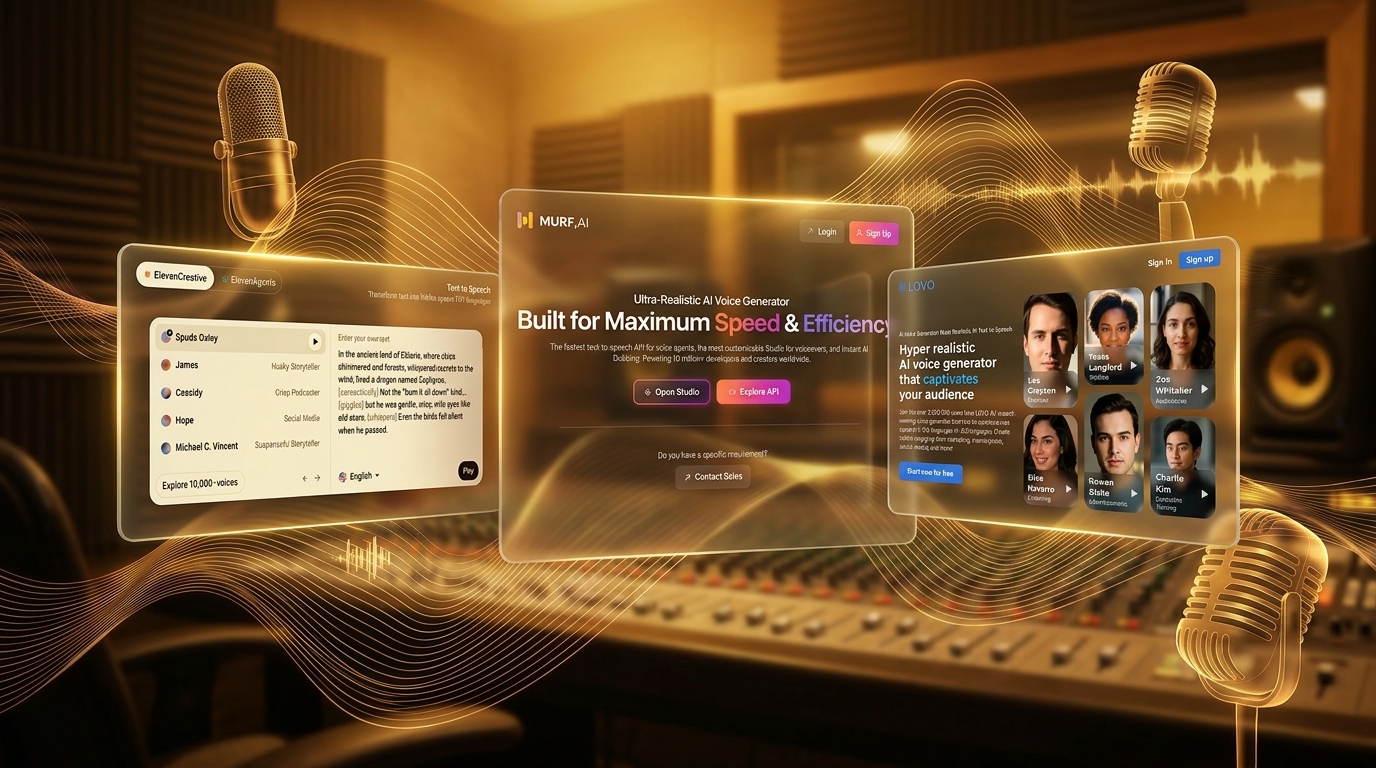
Running a faceless YouTube channel used to force a tough choice. You either paid a premium for human voice actors, or you settled for cheap robotic text-to-speech. Neither option felt great.
But the game completely changed in 2026. Today’s AI voice generators breathe genuine emotion into your scripts. They pause naturally and emphasize the exact right words.
And your viewers will never know the difference. You just need to pick the right software for your specific content style. Let’s look at the absolute best tools available right now.
Our Evaluation Criteria
You can’t afford to sound like a cheap robot. So we rigorously tested dozens of platforms to find the true winners. We judged each tool on four critical factors.
First, we looked at voice realism. The AI must handle complex emotions and natural pacing without sounding synthetic.
Second, we evaluated the interface and workflow. You need to produce videos quickly. A clunky editor will only slow down your publishing schedule.
Third, we checked the commercial licensing terms. You must own the clear rights to monetize your videos on YouTube. Plus, the starting price needs to make sense for a growing channel.
Finally, we tested the variety of voices and accents. A good tool gives you enough options to perfectly match your channel’s unique niche.
Quick Comparison Table
| Tool | Best For | Starting Price | Standout Feature |
|---|---|---|---|
| ElevenLabs | Hyper-realistic emotion | $5/month | Instant voice cloning |
| Murf AI | Professional presentations | $19/month | Video syncing studio |
| PlayHT | High-volume publishing | $39/month | Ultra-fast generation |
| Lovo | All-in-one editing | $29/month | Built-in video editor |
| WellSaid Labs | Corporate channels | $49/month | Flawless pronunciation |
1. ElevenLabs
Best For: Storytellers needing hyper-realistic, human-sounding narration
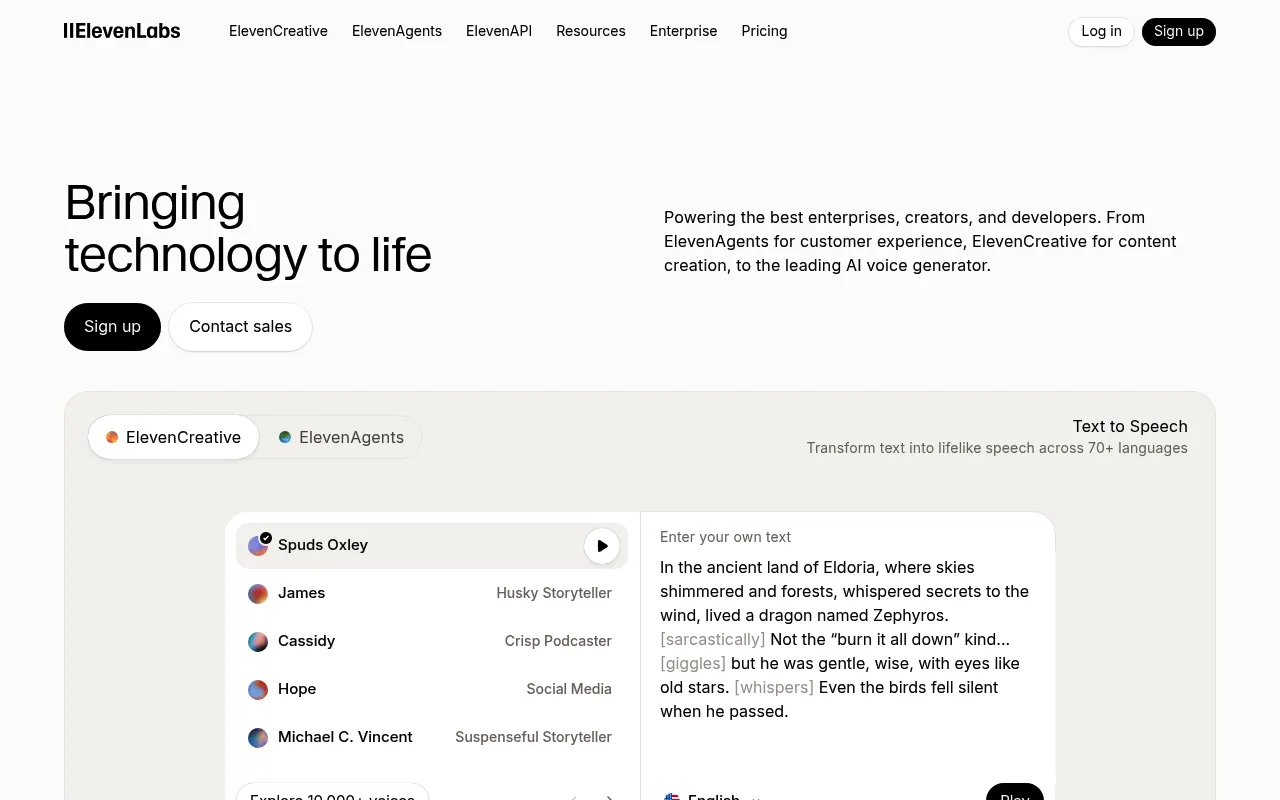
My Experience & Why I Recommend It:
Onboarding & Setup
Getting started takes less than a minute. You just sign up, pick a voice, and start typing. It feels like absolute magic.
Daily Workflow & Friction
Pasting a 10-minute script is completely seamless. But you do have to tweak the stability settings occasionally. It rarely glitches during generation.
Campaign Results
The retention graphs speak for themselves. Viewers actually think a human is narrating your videos. Plus, it boosts watch time significantly.
Deep Dive: Key Features
- Voice Cloning: You can upload a short audio clip and create a perfect digital replica of any voice.
- Pre-made Library: You get access to hundreds of community-created voices sorted by age, accent, and use case.
- Speech Synthesis: The text-to-speech engine automatically understands context and adjusts emotional inflection naturally.
- Multilingual Support: You can generate audio in 29 different languages while keeping the exact same voice characteristics.
- Pronunciation Dictionary: You can force the AI to pronounce specific brand names or acronyms exactly how you want.
Pricing Breakdown
- Free Tier: Yes (10,000 characters per month with mandatory attribution)
- Starting Price: $5 per month (30,000 characters)
Pros & Cons
| ✅ Pros | ❌ Cons |
|---|---|
|
|
What Real Users Say
“I switched all my true crime channels to ElevenLabs. The emotional pauses are so good that people in the comments regularly compliment the ‘narrator’.”
– Marcus T., YouTube Creator
What Reddit Says
“Is ElevenLabs still the undisputed king or just overpriced?”
- u/FacelessHustle: I love it but the UI can be laggy when I paste massive 20-minute scripts.
- u/VidEditor99: Pricing is steep if you do daily uploads. You really have to monitor your character usage.
- u/StoryTellerX: Nothing else touches their voice cloning. It is completely flawless.
2. Murf AI
Best For: Professional faceless channels and corporate explainers
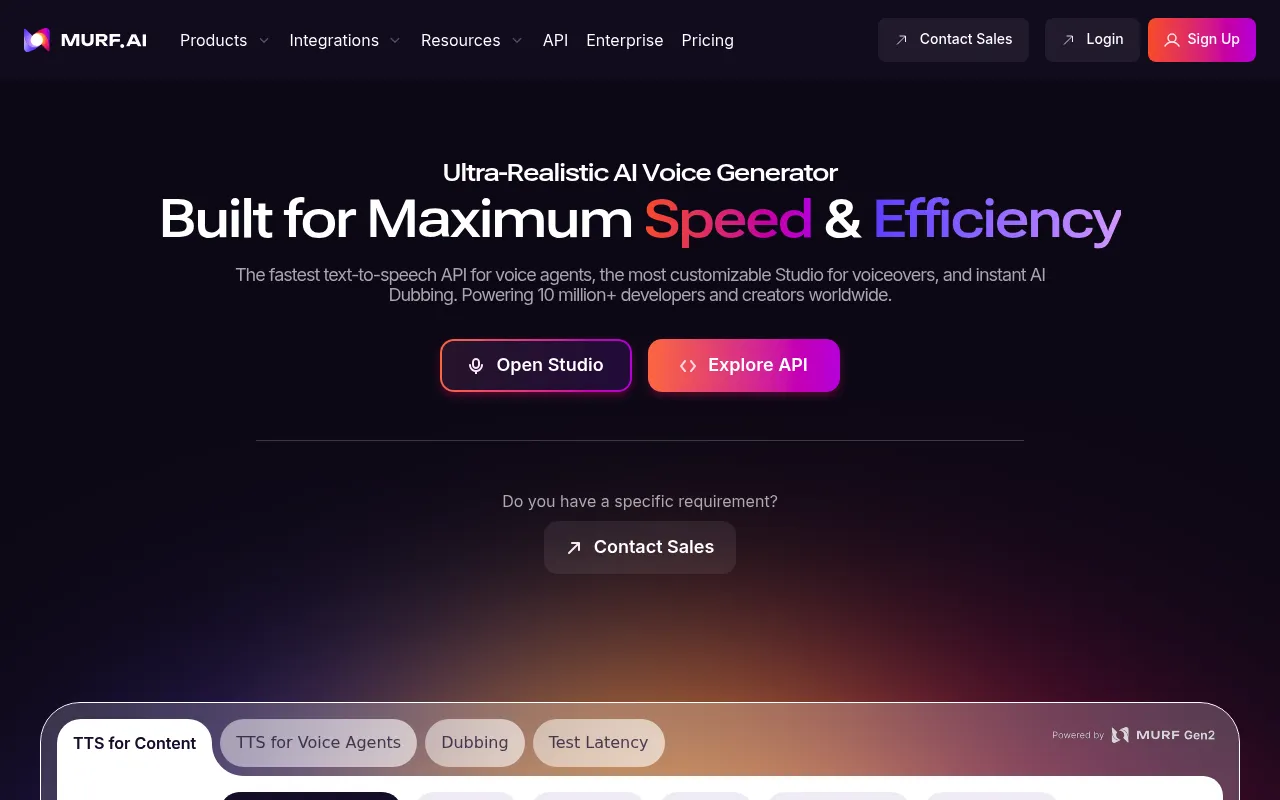
My Experience & Why I Recommend It:
Onboarding & Setup
The dashboard is incredibly clean. You know exactly where to click immediately. It feels like a premium video editor.
Daily Workflow & Friction
Syncing audio with your script blocks is a breeze. You can adjust pitch and speed per sentence. Plus, the built-in media library saves tons of time.
Campaign Results
The output sounds polished and authoritative. It fits perfectly for educational content or tech reviews. And my engagement rates stay rock solid.
Deep Dive: Key Features
- Pitch Control: You can manually raise or lower the pitch of specific words to emphasize key points in your script.
- Sync with Video: You can upload your video directly into the platform and time your voiceovers to match the visuals.
- Team Collaboration: You can invite editors or scriptwriters to work on the exact same project simultaneously.
- Voice Changer: You can upload a rough home recording and instantly swap it out for a professional studio voice.
- Custom Pronunciations: You can build a saved dictionary so the AI never mispronounces your channel name again.
Pricing Breakdown
- Free Tier: Yes (10 minutes of voice generation but no downloads allowed)
- Starting Price: $19 per month (24 hours of voice generation per year)
Pros & Cons
| ✅ Pros | ❌ Cons |
|---|---|
|
|
What Real Users Say
“Murf makes pacing my documentary scripts so easy. Being able to tweak the speed of a single sentence without ruining the rest of the audio is a lifesaver.”
– Sarah L., YouTube Creator
What Reddit Says
“Murf’s pacing tools are great, but do the voices feel a bit stiff?”
- u/CashCowKing: It is perfect for my finance channel. The corporate voices sound incredibly professional.
- u/EditMaster: The free tier is basically useless since you cannot download anything. You have to pay to play.
- u/DocuMaker: I love the video sync feature. It saves me from bouncing back and forth to Premiere Pro.
3. PlayHT
Best For: High-volume creators needing massive voice variety
My Experience & Why I Recommend It:
Onboarding & Setup
Getting started takes just seconds. The interface is a bit cluttered at first glance. But you get used to it fast.
Daily Workflow & Friction
Generating audio for daily uploads is incredibly fast. You just drop your text and hit play. So churning out a 15-minute script takes almost no effort.
Campaign Results
The ultra-realistic models sound fantastic. Viewers rarely notice the AI at work. Plus, the emotional range keeps people hooked until the very end.
Deep Dive: Key Features
- Ultra-Realistic Models: You get access to their latest 2.0 voice models that capture subtle breaths and hesitations.
- Massive Voice Library: You can choose from over 800 different AI voices spanning dozens of distinct accents and dialects.
- Audio Widgets: You can embed SEO-friendly audio players directly into your blog if you repurpose YouTube content.
- API Access: You can plug PlayHT directly into your automated video creation workflows for true scale.
- Custom Pauses: You can insert specific time gaps between paragraphs to let dramatic moments breathe.
Pricing Breakdown
- Free Tier: Yes (2,500 words per month with standard voices)
- Starting Price: $39 per month (up to 3,000,000 characters per year)
Pros & Cons
| ✅ Pros | ❌ Cons |
|---|---|
|
|
What Real Users Say
“The sheer number of accents lets me run channels in five different niches. The new realistic models are an absolute game changer for my storytelling videos.”
– David K., YouTube Creator
What Reddit Says
“PlayHT 2.0 models are insane (but that pricing tier hurts).”
- u/AI_Video_Guy: The older standard voices are garbage. You absolutely must use the 2.0 models.
- u/NicheBuilder: Thirty-nine bucks a month is tough for beginners. But the character allowance is massive.
- u/ScriptToScreen: I love the API integration. I have fully automated my shorts channel using it.
4. Lovo (Genny)
Best For: All-in-one creators who want video editing and audio together
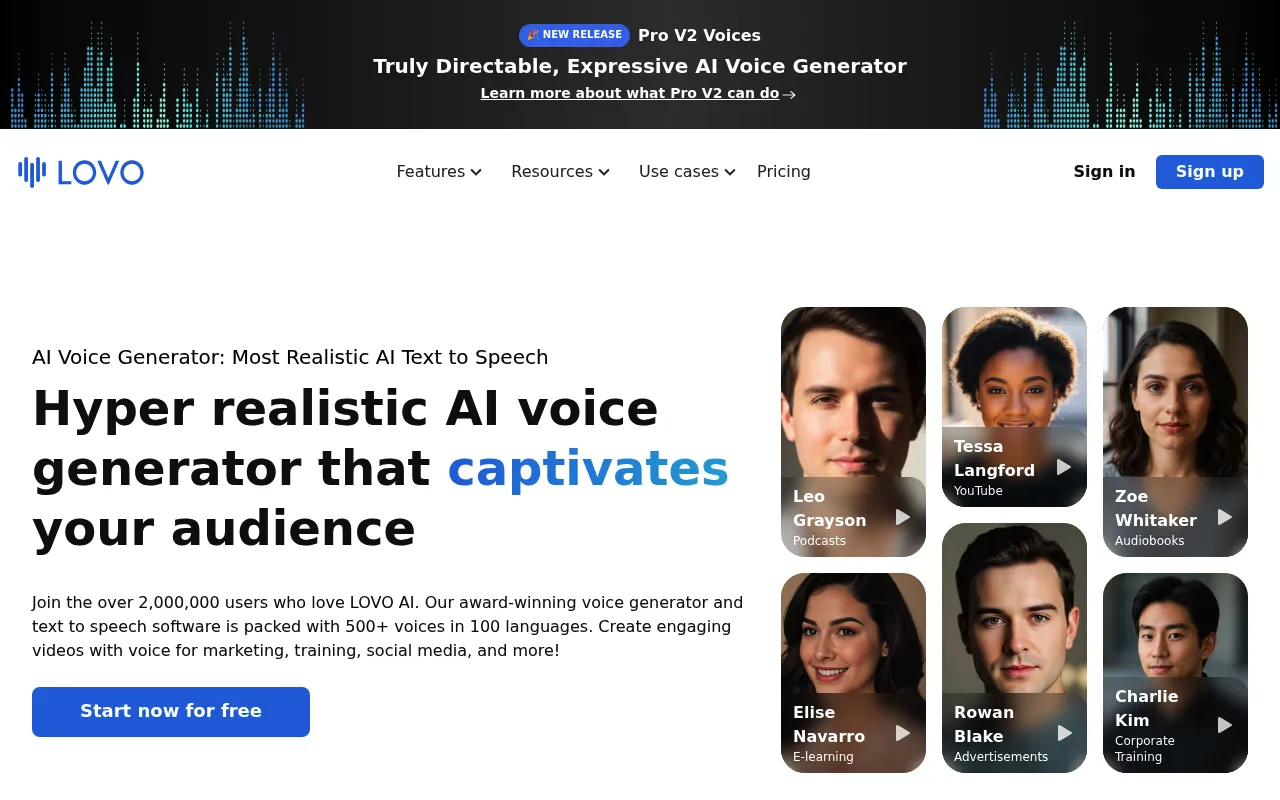
My Experience & Why I Recommend It:
Onboarding & Setup
Genny feels like a full production studio. You sign in and see a timeline right away. It is surprisingly intuitive.
Daily Workflow & Friction
You can generate voiceovers and add stock footage in one place. This cuts my editing time in half. But the timeline can get laggy with massive projects.
Campaign Results
The final videos look and sound highly professional. The emotional voices match dramatic scripts perfectly. And my click-through rates are climbing steadily.
Deep Dive: Key Features
- Integrated Video Editor: You can edit your video, add text, and drop in transitions without leaving the browser.
- Emotional Voices: You can command the AI to sound angry, sad, or excited depending on the scene.
- AI Art Generator: You can generate custom images for your video directly inside the workspace.
- Sound Effects Library: You get instant access to royalty-free sound effects to enhance your storytelling.
- Auto-Subtitles: You can generate perfectly timed captions for your YouTube Shorts with a single click.
Pricing Breakdown
- Free Tier: Yes (14-day fully featured trial)
- Starting Price: $24 per month (2 hours of voice generation)
Pros & Cons
| ✅ Pros | ❌ Cons |
|---|---|
|
|
What Real Users Say
“Genny replaced three different tools I was using to make my history videos. Having the voiceover and timeline in one window is incredibly efficient.”
– Elena R., YouTube Creator
What Reddit Says
“Anyone actually using Genny as a full video editor?”
- u/ClipMaster: I love it for YouTube Shorts. But it struggles if you try to edit a 30-minute documentary in the browser.
- u/VoiceNerd: The emotional voices are top tier. You just have to spend time tweaking the settings.
- u/CreatorPro: Auto-subtitles are great. It saves me from paying for a separate captioning service.
5. WellSaid Labs
Best For: Corporate and documentary-style faceless channels
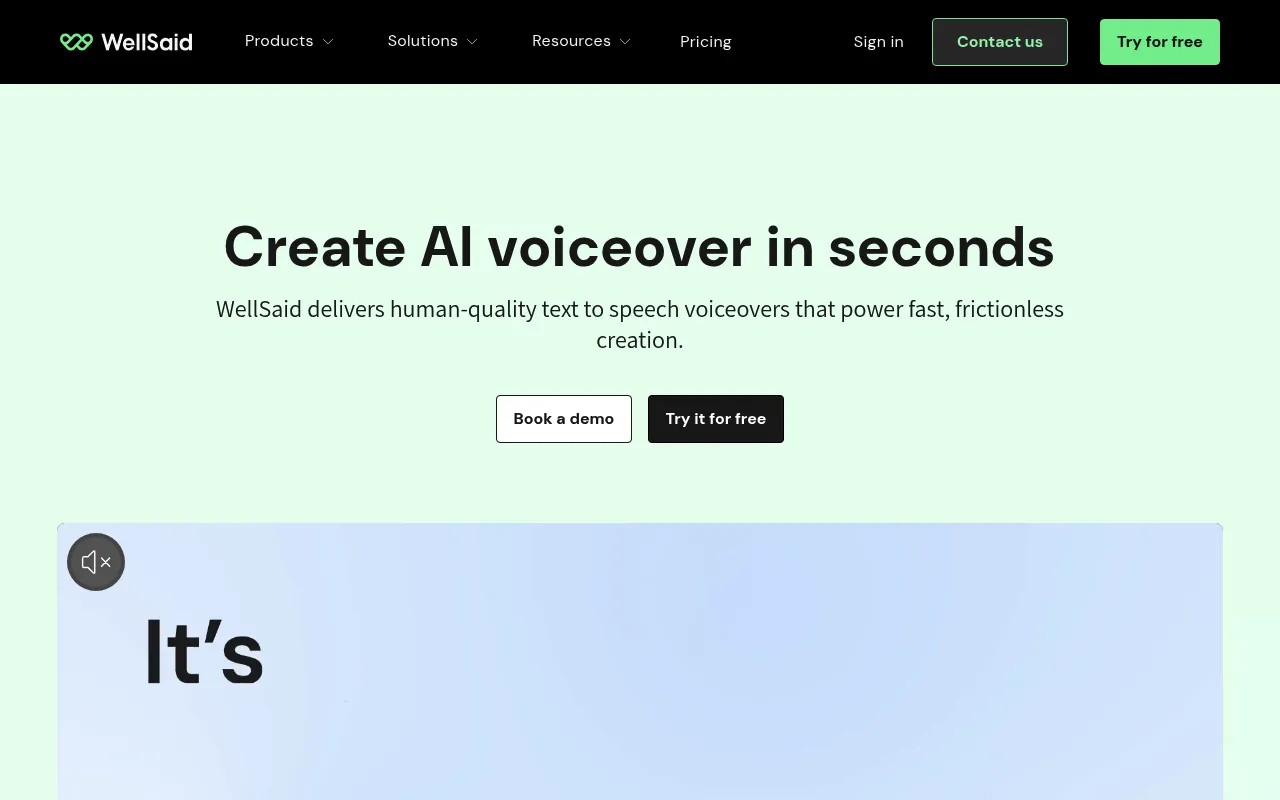
My Experience & Why I Recommend It:
Onboarding & Setup
You will breeze through the initial setup. The dashboard is incredibly clean and distraction-free. You get straight to the studio without clicking through endless tutorials.
Daily Workflow & Friction
Pasting a 10-minute script is seamless. Rendering takes a few minutes depending on server load. But the pronunciation controls are an absolute lifesaver for tricky words.
Campaign Results
The output sounds incredibly professional. Viewers rarely notice it is AI. Audience retention stays high because the voices do not sound robotic or breathy.
Deep Dive: Key Features
- Voice Avatars: Access to highly polished voices trained on real professional voice actors.
- Pronunciation Library: Save custom phonetic spellings for brand names or technical terms so the AI gets it right every time.
- Take Emphases: Highlight specific words in your script to force the AI to add natural vocal stress.
- Collaboration Tools: Share your workspace with editors or scriptwriters for a smoother team workflow.
- High-Fidelity Audio: Export in pure WAV format to ensure your final video sounds crisp on YouTube.
Pricing Breakdown
- Free Tier: Yes (1-week trial with limited generation)
- Starting Price: $49/month
Pros & Cons
| ✅ Pros | ❌ Cons |
|---|---|
|
|
What Real Users Say
“I run a history channel and the documentary voices here are unmatched. It is pricey, but the audio quality justifies the cost.”
– Mark T., YouTube Creator
What Reddit Says
“Is WellSaid Labs actually worth $49 a month?”
- u/VidMaker99: The voices are super clean but $49 stings for a new channel.
- u/AudioNerd: I love it. The pronunciation library saves me hours of fixing weird AI glitches.
- u/DocuGuy: Best for serious niches. Do not use this if you want hyped-up gaming voices.
6. Speechify
Best For: Celebrity voices and fast content creation
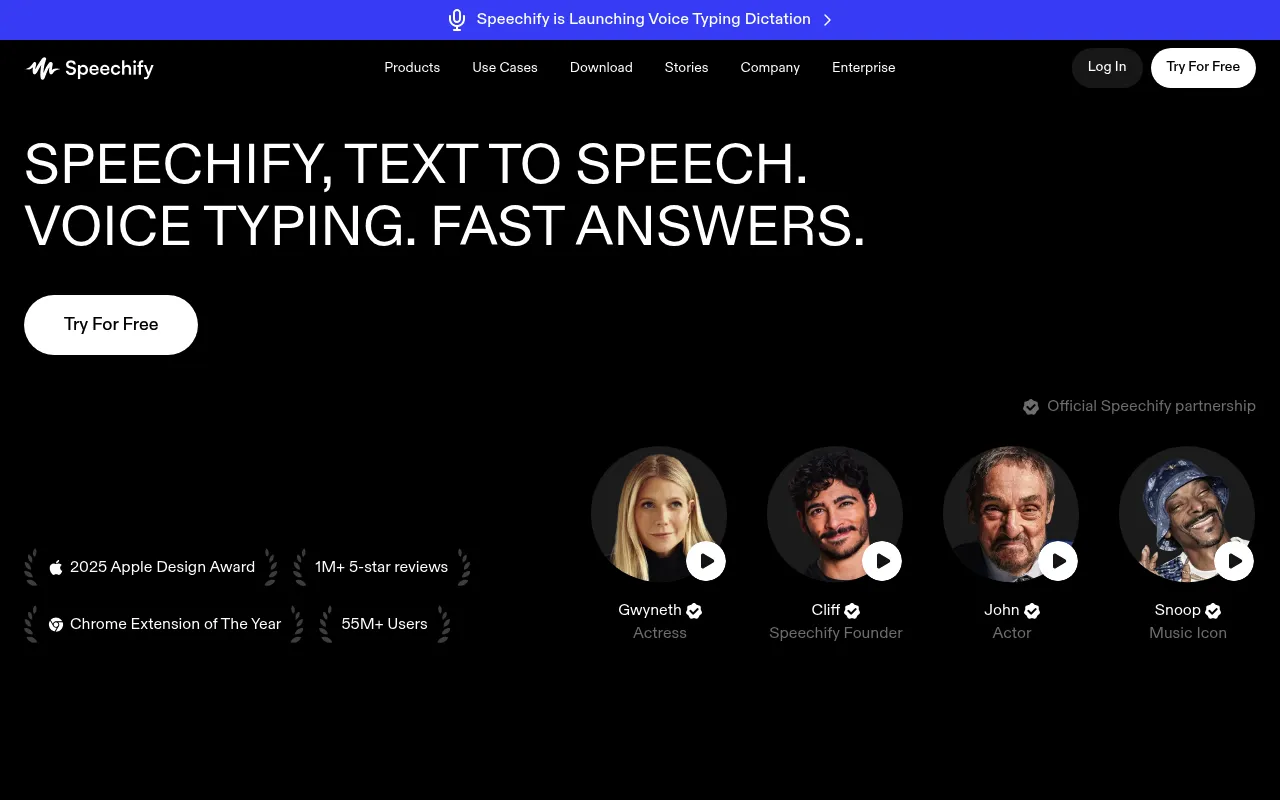
My Experience & Why I Recommend It:
Onboarding & Setup
You can start using Speechify in seconds. The dashboard feels just like a basic text editor. It is incredibly intuitive for beginners.
Daily Workflow & Friction
Dropping in daily scripts takes almost no time. You can swap voices with one click to test different vibes. Plus, the generation speed is blazing fast.
Campaign Results
The Snoop Dogg voice gets a lot of laughs. It works great for meme channels and YouTube Shorts. But serious niches might need to stick to their standard premium voices.
Deep Dive: Key Features
- Celebrity Voices: Use officially licensed voices like Snoop Dogg and Gwyneth Paltrow to grab attention.
- Text-to-Video Tools: Add basic visual elements directly over your generated audio within the app.
- Voice Cloning: Create a digital replica of your own voice using a short audio sample.
- Multi-Language Support: Translate and dub your scripts into dozens of languages instantly.
- Background Music Library: Slap a royalty-free track under your voiceover before you even export.
Pricing Breakdown
- Free Tier: Yes (Basic voices only)
- Starting Price: $39/month (Billed annually)
Pros & Cons
| ✅ Pros | ❌ Cons |
|---|---|
|
|
What Real Users Say
“I use the celebrity voices for my pop culture Shorts. The retention is crazy because people recognize the voice immediately.”
– Sarah L., YouTube Creator
What Reddit Says
“Speechify celebrity voices: gimmick or actually good?”
- u/ShortsKing: They are definitely a gimmick but they work. My views doubled using the Snoop voice.
- u/CreatorGuy: I hate the annual billing model. Wish they had a normal monthly tier.
- u/TechBro: The UI is smooth. It is basically foolproof for anyone making quick content.
7. Resemble AI
Best For: Custom voice cloning and high-control creators
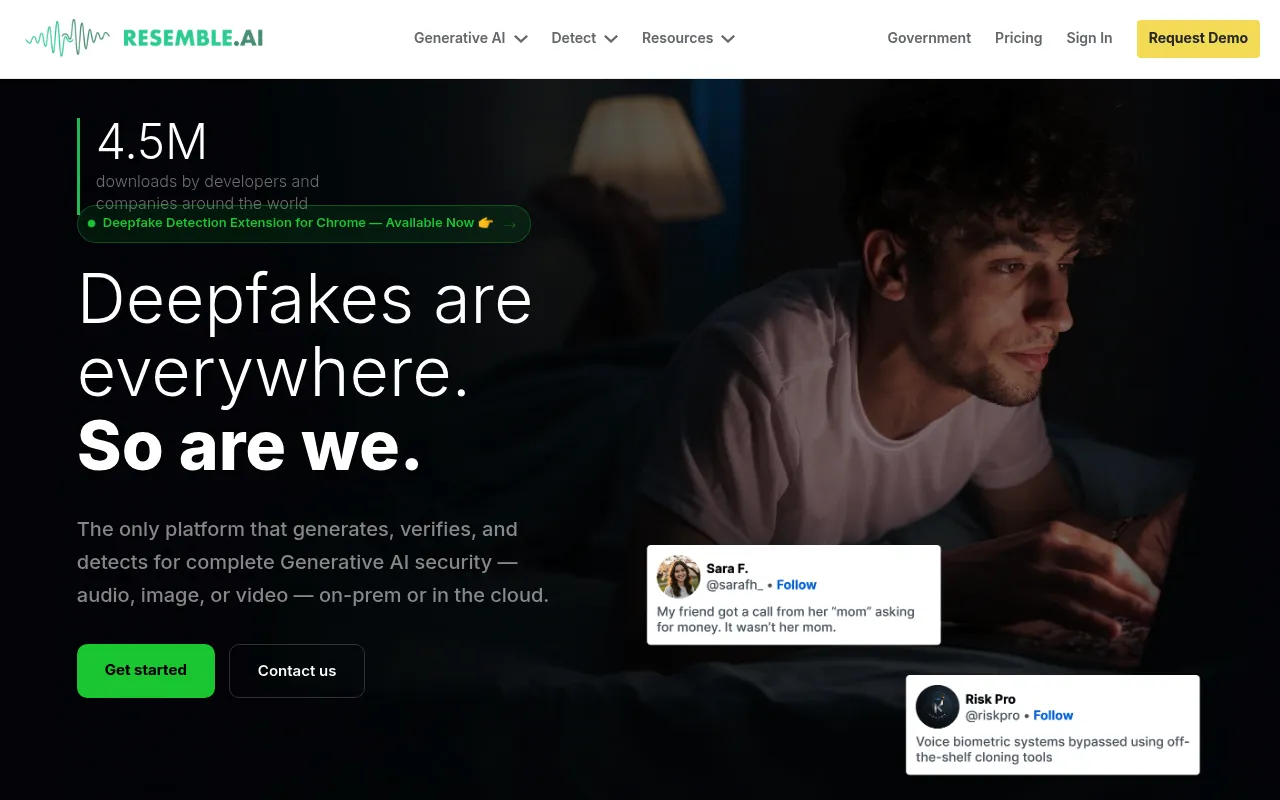
My Experience & Why I Recommend It:
Onboarding & Setup
Setting up takes a bit more effort here. You have to record specific voice samples first to build your clone. But the interface guides you clearly through the process.
Daily Workflow & Friction
Tweaking the generated audio becomes a daily habit. You can adjust pitch and emotion word by word. It takes longer but gives you total creative control.
Campaign Results
The cloned voices sound exactly like the original. My faceless tech channel saw a massive boost in trust. Viewers genuinely thought I was speaking into a studio mic.
Deep Dive: Key Features
- Rapid Voice Cloning: Create an incredibly accurate digital clone of your own voice with just a few minutes of audio.
- Emotion Control: Add anger, happiness, or sadness to specific sentences for dynamic storytelling.
- Speech-to-Speech: Upload a rough audio recording and have your polished AI voice mimic the exact cadence.
- API Access: Integrate the voice engine directly into your custom apps or automated workflows.
- Localization: Convert your custom voice clone into dozens of different languages to reach a global audience.
Pricing Breakdown
- Free Tier: No (Paid trial only)
- Starting Price: $29/month
Pros & Cons
| ✅ Pros | ❌ Cons |
|---|---|
|
|
What Real Users Say
“I cloned my own voice so I can make videos while traveling. It sounds so much like me that my own mother could not tell the difference.”
– David R., YouTube Creator
What Reddit Says
“Resemble AI cloning is scary good (but the UI is a lot).”
- u/CloneMaster: The cloning is flawless. Just make sure you record your sample in a quiet closet.
- u/VideoEditorPro: I love the granular control. But it takes way longer to finish a script than ElevenLabs.
- u/Techie101: Speech-to-speech is a game changer. I mumble into my mic and it outputs perfect studio audio.
8. Fliki
Best For: All-in-one text to video generation
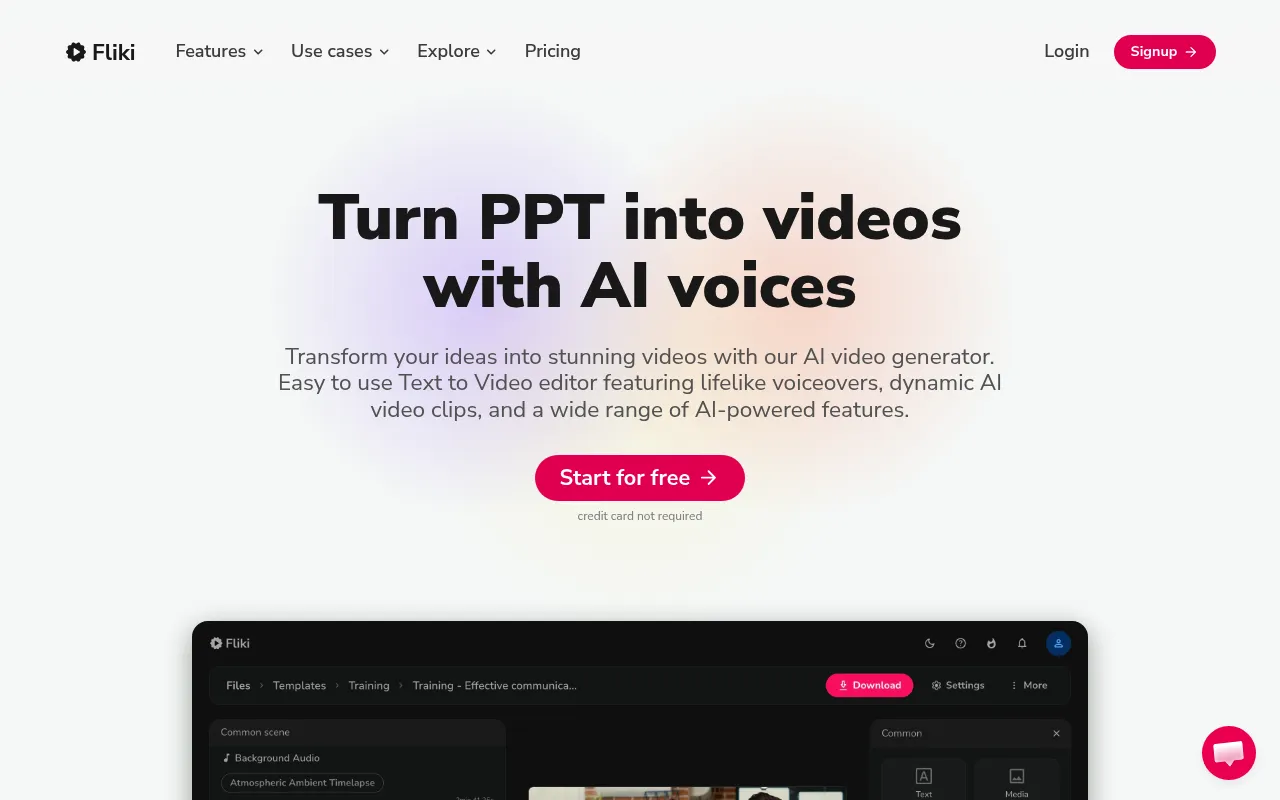
My Experience & Why I Recommend It:
Onboarding & Setup
Creating an account takes five seconds. You immediately see a timeline editor. It feels like a simplified video editor rather than just an audio tool.
Daily Workflow & Friction
You paste your script and it pulls stock footage automatically. The voiceovers sync up perfectly without manual effort. So you save hours of tedious editing time.
Campaign Results
I pumped out daily YouTube Shorts effortlessly. The engagement metrics were surprisingly solid. And the fast-paced voices fit the rapid visuals perfectly.
Deep Dive: Key Features
- Text-to-Video Automation: Turn a text script into a fully edited video with voice, b-roll, and music in minutes.
- Auto-Syncing Subtitles: Generate dynamic, TikTok-style captions that sync perfectly with the AI voiceover.
- Massive Media Library: Pull from millions of premium stock images and video clips to match your script context.
- 2000+ Voices: Choose from a massive catalog of voices across 75 different languages and dialects.
- Easy Social Exports: Format your videos instantly for YouTube Shorts, Instagram Reels, or TikTok.
Pricing Breakdown
- Free Tier: Yes (Up to 5 minutes of video per month)
- Starting Price: $28/month
Pros & Cons
| ✅ Pros | ❌ Cons |
|---|---|
|
|
What Real Users Say
“I used to spend three hours editing a single Short. Fliki does the voice, the captions, and the footage in about ten minutes.”
– Jessica W., YouTube Creator
What Reddit Says
“Fliki is basically a cheat code for Shorts.”
- u/HustleBro: I run three faceless channels using just Fliki. It is a massive time saver.
- u/EditorSteve: The voices are okay, but the real value is the auto-captions and stock footage syncing.
- u/ContentQueen: Sometimes the AI picks weird stock videos for my script. You definitely have to double-check its work.
Frequently Asked Questions
Yes, you absolutely can. YouTube allows monetization for channels using AI voiceovers. But your content must still provide real value. Spammy or repetitive videos will get rejected by the partner program. So make sure your script is highly engaging and entirely original.
This depends entirely on the platform you choose. Most paid plans grant you full commercial rights. Free tiers often require attribution or forbid commercial use entirely. Always read the specific licensing agreement before uploading your video. You don't want a copyright strike ruining your channel.
ElevenLabs is a massive favorite right now. It's incredibly easy to use. Plus, the voices sound lifelike right out of the box. You don't need a background in audio editing to get great results. Just paste your script and hit generate.
They might not even realize it. Premium AI voices now breathe, pause, and emphasize words naturally. It's a huge leap from the robotic voices of the past. But you'll still need to direct the AI. Tweak the pronunciation and pacing to make it sound perfectly human.

